Aligno
Posture Monitor
A wearable sensor and companion app that watches your posture throughout the day — quietly, in real time.
v1.0 · May 2026How it works
Aligno clips to your back or sits on your desk. A tiny motion sensor (IMU) inside measures the angle of your body 10 times per second. The app on your PC receives these readings over Bluetooth and computes a posture score from 0 to 100.
When your posture drifts and stays poor long enough, the device gently vibrates to remind you to sit up — no notifications, no noise, just a discreet buzz.
First-time setup
Charge the device
Connect via USB-C until the charge LED turns off. A full charge takes about 1–2 hours.
Attach the sensor
Place it on your upper back, centred between your shoulder blades, flat against your body. The orientation matters — if the sensor is tilted you'll get inaccurate readings.
Launch the app
Run gui.py (or the Aligno shortcut). The app starts scanning for the sensor automatically.
Hold still for calibration
Sit in your ideal upright position. The ring fills as the app learns your baseline. Takes about 5 seconds of stillness. You'll see "You're all set!" when done.
Go about your day
The app runs quietly in the corner of your screen. You only need to pay attention when it vibrates.
Understanding the interface
Below the ring you'll see three lines of text:
Message line
A short coaching phrase matching your current posture state — e.g. "Good posture" or "Roll your shoulders back".
Stats line
Your percentage of good posture today and a trend arrow (↑ better, ↓ worse, → similar vs. last session).
Status line
Session uptime and battery level — e.g. "⏱ 14m 32s 🔋 74%".
The top bar holds five buttons:
History
View past sessions and today's heatmap
Settings
Choose vibration intensity profile
Info
Scoring thresholds explained
Compact mode
Shrink to just the ring; double-click to expand
Close
Saves session and shows summary on exit
Posture states
Aligno uses four states. The app doesn't jump between them instantly — it waits to confirm a sustained change before acting, so small fidgets don't count.
Good posture
You're sitting well. The ring breathes slowly and the background is a deep green. Score 80–100.
No vibration · streak timer starts
Ease your back
A small lean detected. The app gives you 10 seconds to self-correct before logging this state.
Vibrates after ~8 s sustained poor posture (Normal profile)
Roll your shoulders back
Noticeable slouch. The background shifts to warm amber. Sit up — you'll feel it in your lower back.
Vibrates after ~20 s sustained poor posture (Normal profile)
Time to sit up
Significant slouch held for a while. A stronger vibration pattern fires to get your attention.
Vibrates after ~35 s sustained poor posture (Normal profile)
Calibrating your posture
Calibration tells Aligno what your good posture looks like. Because everyone's body and setup is different, this step is essential.
Sit in your ideal position
Sit the way you want to sit all day — upright, relaxed, feet flat on the floor. Don't over-straighten; that's not sustainable.
Hold still for 5 seconds
The app automatically calibrates on first connect. After that, press "Calibrate posture" at the bottom of the window any time you want to reset the baseline.
Wait for the confirmation
The ring pulses and the status bar shows "Calibrated ✓". If it says "Hold still a little longer", you moved too much — try again.
Compact mode
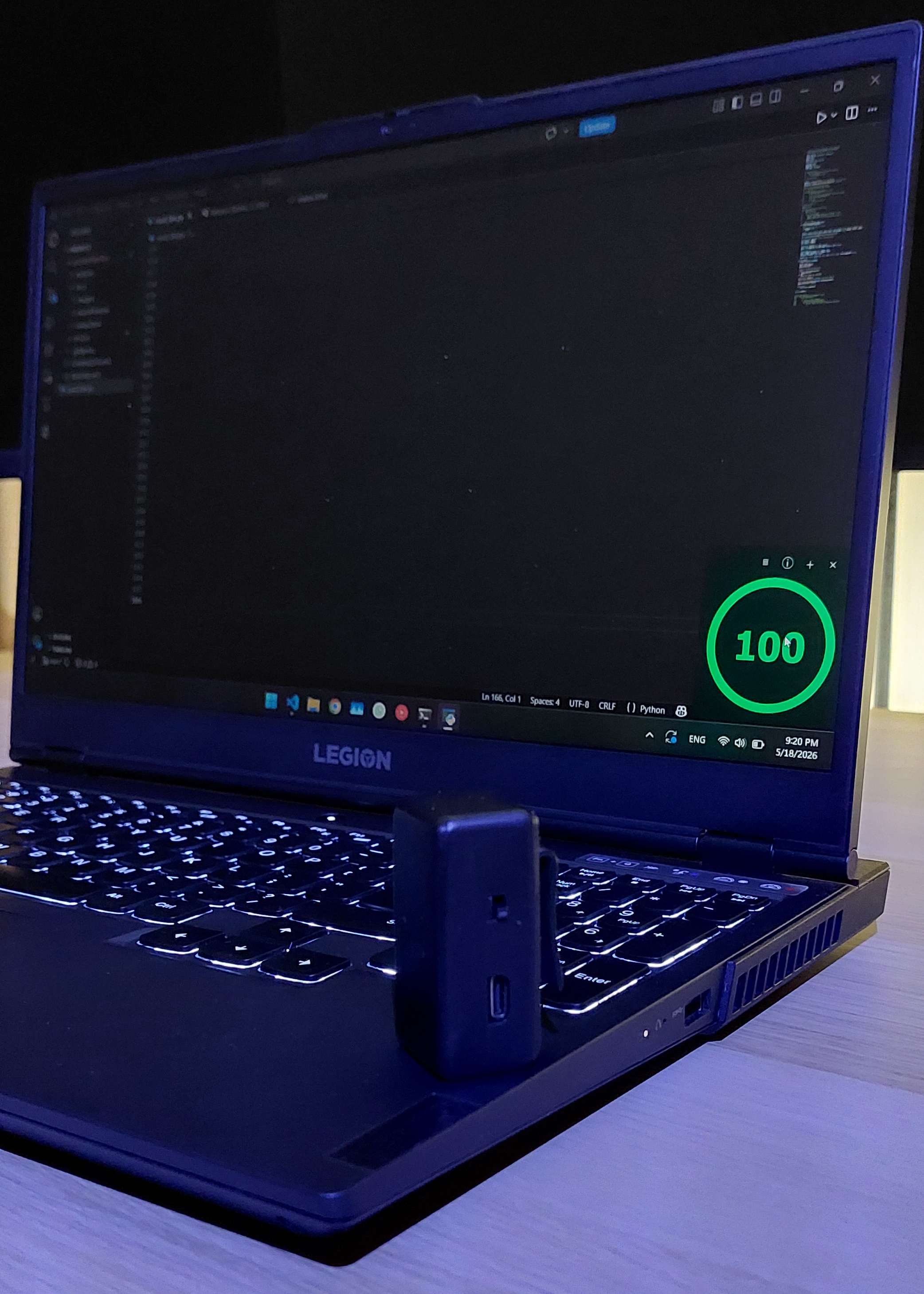
Compact mode shrinks the window to just the ring and the top bar buttons — useful when you need screen space but still want posture feedback at a glance.
Entering compact mode
Click the – button in the top bar, or double-click anywhere on the ring.
Leaving compact mode
Click the + button that replaces the –, or double-click the ring again.
Moving the window
Click and drag anywhere on the window (in either mode). Position is saved and restored on the next launch.
History & stats
Click the ⊟ History button to open the history panel. It has two tabs:
Past Days
A bar chart of your last 14 days. Each bar shows average good-posture percentage for that day. The dashed line is the 80% daily goal. Tap any bar to see details. Below the chart: 7-day average, best session, total usage time, and time since last charge.
Today
A heatmap of your current session — one coloured block every 30 seconds. Scroll to see the full timeline. Green = good, yellow = heads up, orange = slouching, red = bad.
Vibration settings
Click the ⚙ Settings button to change how quickly and firmly the device responds to poor posture.
Off
No vibration at all. Visual feedback only.
Gentle
Slow to trigger, long cooldown. Good if you find vibrations distracting.
Normal (default)
Balanced feedback. Triggers after 8–35 seconds of poor posture, 15-second cooldown between buzzes.
Aggressive
Triggers quickly and buzzes often. Good for building new habits faster.
Your choice is saved automatically and remembered across sessions.
Using without a phone / PC
Aligno works completely standalone — no app needed. If the sensor doesn't find a Bluetooth connection within 10 seconds of powering on, it enters offline mode automatically.
Calibration countdown
The device buzzes three times (1 second apart) as a countdown. After the third buzz, sit in your good posture position.
5-second learning window
Hold still for 5 seconds. The device silently measures your angle and stores it as the reference.
Monitoring begins
The device monitors your posture and vibrates exactly as it would with the app connected — single buzz for a warning, double for bad, triple for critical.
Tips for best results
Sensor placement matters
Upper back, centred between the shoulder blades, flat against your body. If it's tilted sideways you'll get false readings.
Recalibrate when you change chairs
Different chairs have different tilt. A 2-second recalibration after moving keeps things accurate.
Start with Gentle, then level up
If you're new to posture training, start on Gentle. Your muscles need time to build the habit before you add more pressure.
Charge overnight
The battery lasts a full work day. Charge it at your desk or overnight so it's always ready.
Don't over-straighten
Calibrate in a comfortable upright position, not a rigid military posture. Sustainable is better than perfect.
Take breaks
After 90 minutes of continuous use the app reminds you to stretch. Even great posture needs movement — stand up, walk around.
Right-click for debug info
Right-click anywhere on the window to toggle debug mode — shows live roll angle and battery voltage. Useful for troubleshooting sensor placement.