Up and running
in 60 seconds.
Four steps to real-time posture feedback. Everything stays on your device.
Charge & attach
Charge via USB-C until the LED turns off. Then clip the sensor to your upper back, centred between your shoulder blades, flat against your body.
Launch the app
Run Aligno. It starts scanning automatically — the ring shows "Connecting…". Once paired, the ring fills and you'll see your score.
Calibrate
Sit in your comfortable upright position — not rigid, just natural. Hold still for 5 seconds until the ring pulses and shows "Calibrated ✓".
This teaches Aligno what your good posture looks like.
Go about your day
The app runs quietly. When your posture drifts and stays poor, the sensor vibrates gently. Sit up — you're back on track.
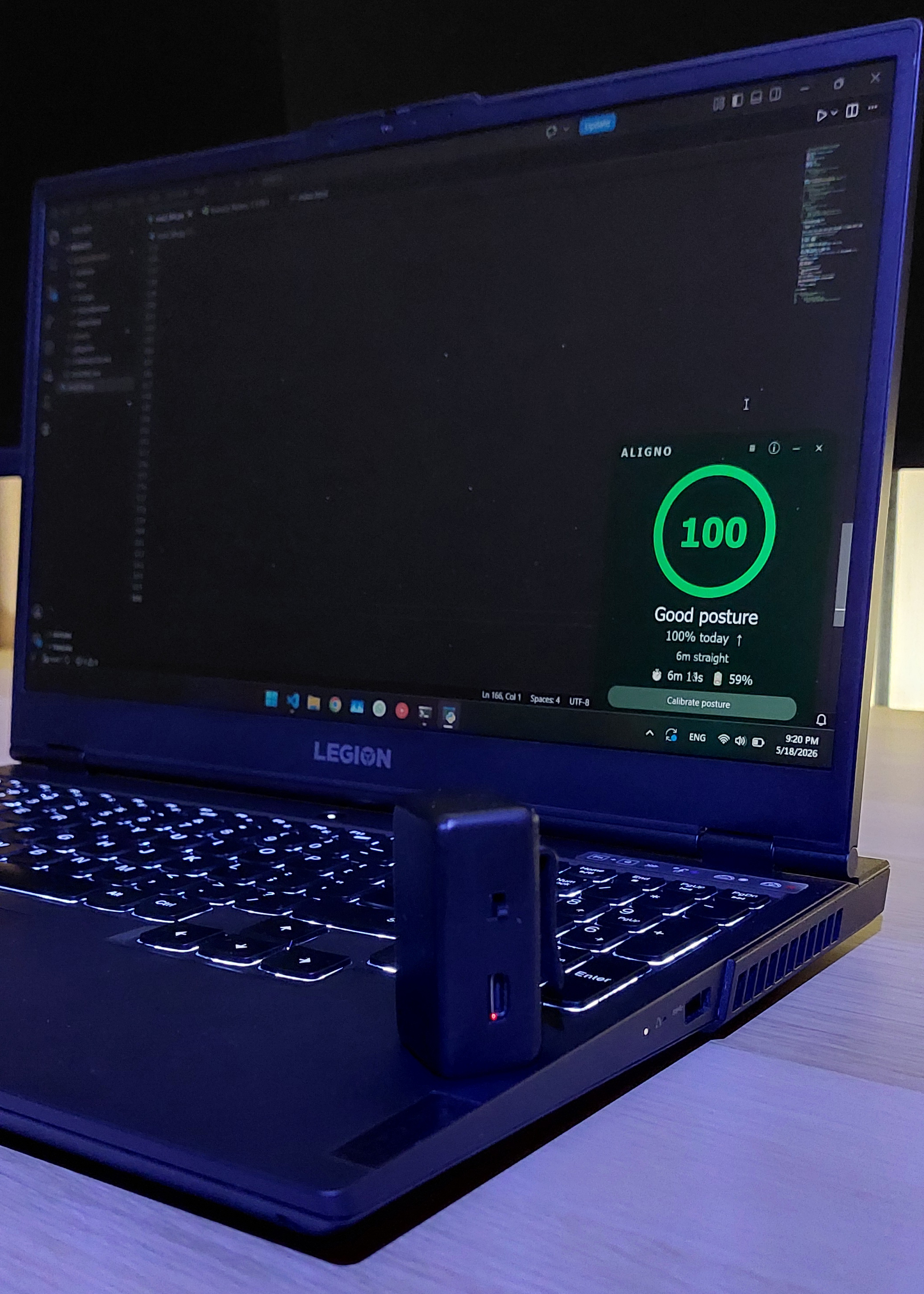 Score 100 · 6 minutes straight
Good
Keep it up
Ease up
Small lean
Slouching
Sit straighter
Sit up
Time to adjust
Good to know
That's all.
Aligno monitors your posture in real time, quietly in the corner of your screen. Build better posture habits over time.